Prepare evidence for a review
Check scope, scan results, and export formats before sharing OpenHack security evidence.
Begin with the reviewer's request: which application, which reporting period, and which evidence formats do they need? Use that scope to choose the project and exports in OpenHack.
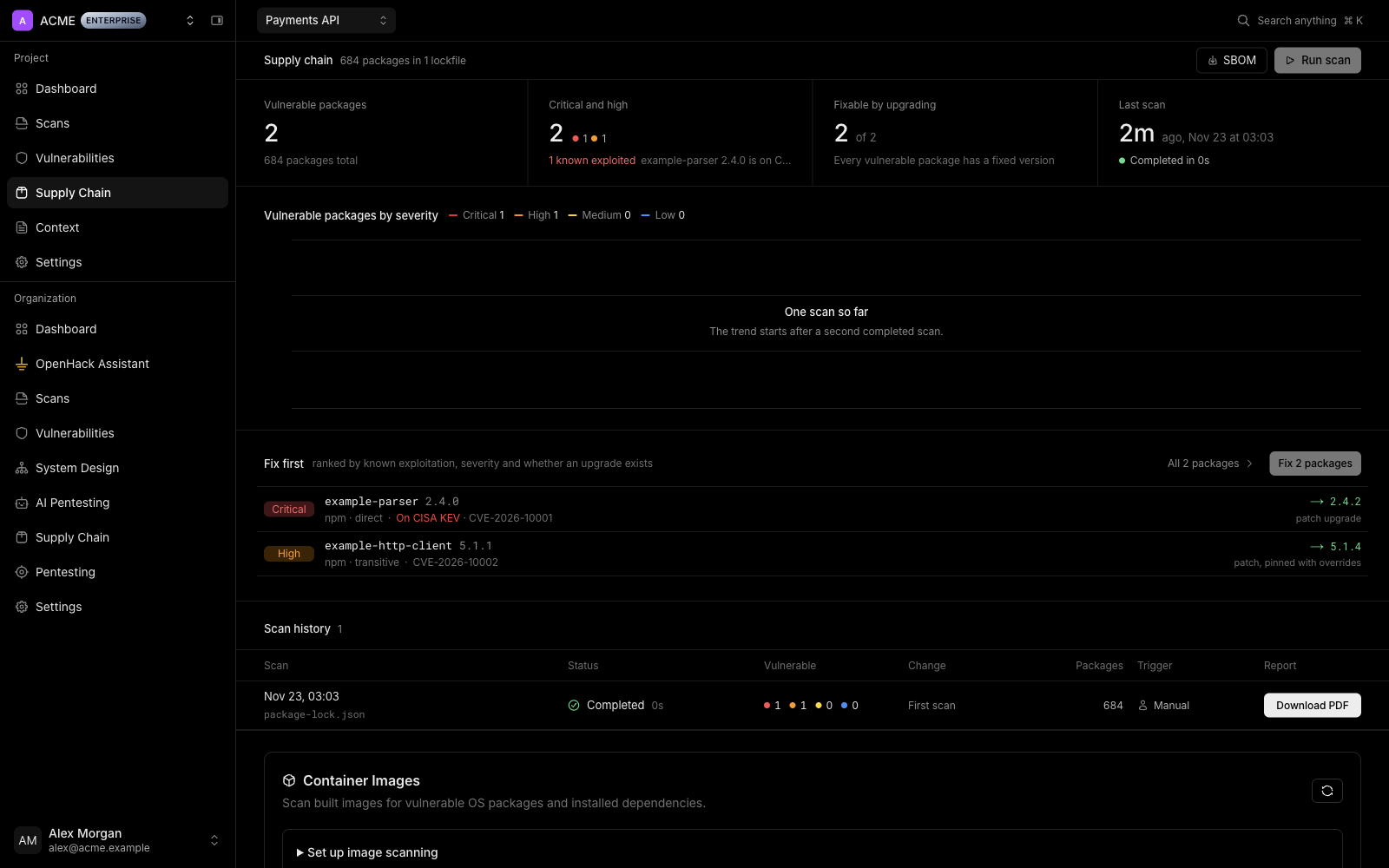
Check scan scope and completion before downloading evidence. Actual product screen with fictional ACME demo data.
Confirm the scope
Record the project or engagement, the repository or targets covered, and the relevant dates. For scan-based evidence, check the branch and completion state. A failed, cancelled, or unfinished run is not a completed security assessment.
Inspect the generated file rather than assuming that a date filter or selected rows in the UI control its contents.
Review the findings
Check severity, affected locations, evidence, and remediation state. Explain any accepted risk or unresolved finding using your team's review process. An issue being closed in a tracking tool does not, by itself, demonstrate that the underlying vulnerability has been fixed.
If you imported a pentest report, compare the extracted draft with the source PDF before using it as evidence. Embedded images are not imported.
Choose the files
| Requested evidence | Export |
|---|---|
| Dependency inventory | SBOM JSON |
| Code-security findings | Vulnerability PDF |
| Dependency-analysis results | Supply Chain → completed scan → Download PDF |
| Engagement findings and recommendations | Pentesting → engagement → Export Report |
An SBOM and a vulnerability report answer different questions. Supply both when the request covers inventory and identified risks.
Check before sharing
Open each file to confirm the expected project, scope, dates, and content. Include any gaps in coverage or incomplete runs in your handoff. Share findings and reports through the channels approved by your organization.
A pentest report URL requires an authorized OpenHack browser session; it is not a public sharing URL. If the reviewer does not have workspace access, use the exported PDF through your approved sharing workflow.