Use the OpenHack platform
Get oriented in the hosted application, connect a repository, and review security findings with your team.
The OpenHack platform is a hosted workspace for your team's security work. Use it to manage projects, connect repositories, follow scans, and review findings over time. Available features and usage depend on your organization's plan.
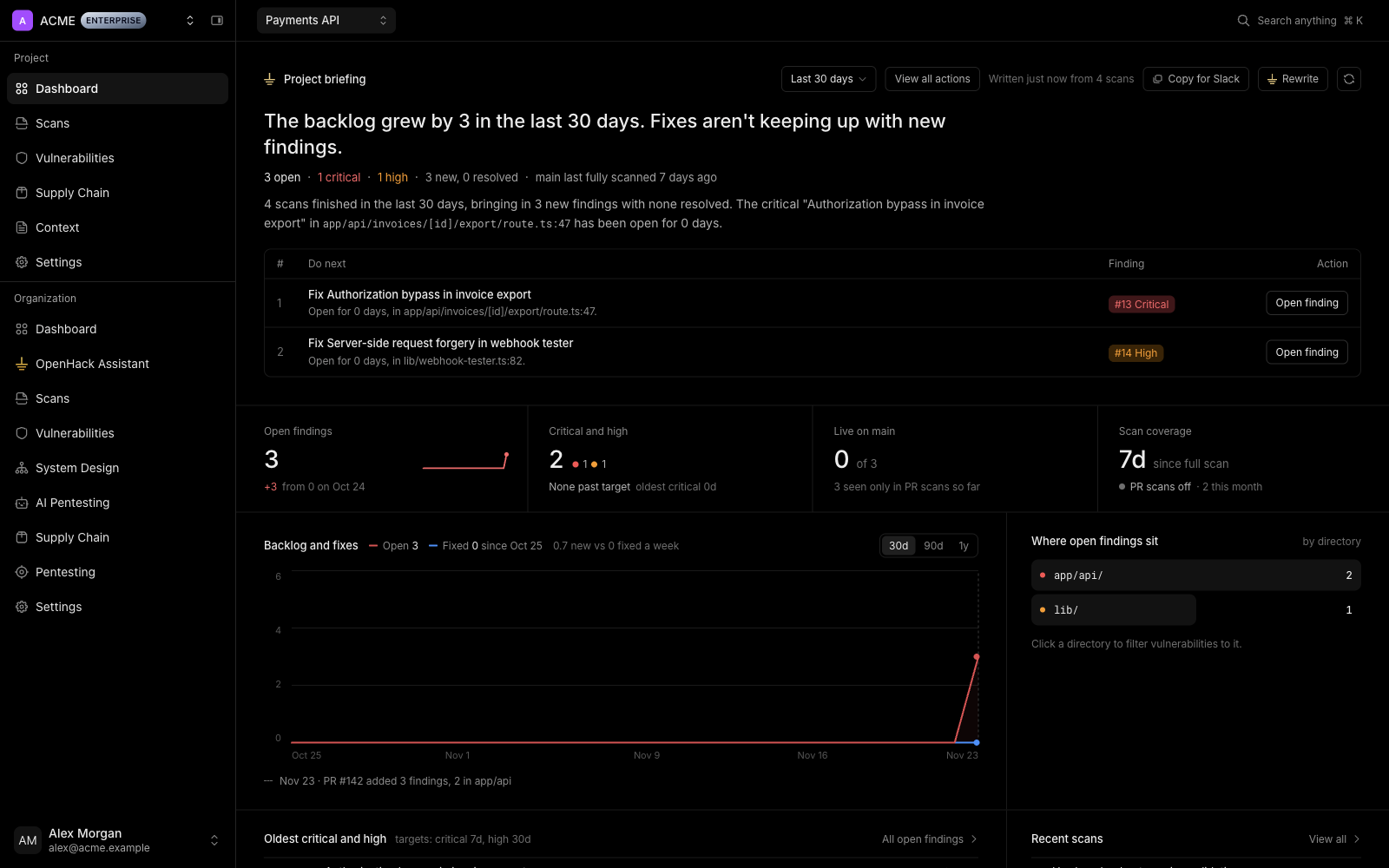
Select a project, then follow the feature guides below. Actual product screen with fictional ACME demo data.
Read your security briefing
Open the organization Dashboard to see priorities across projects, or a project Dashboard to focus on one repository. Read the briefing guide for date ranges, recommended actions, refresh, and Copy for Slack.
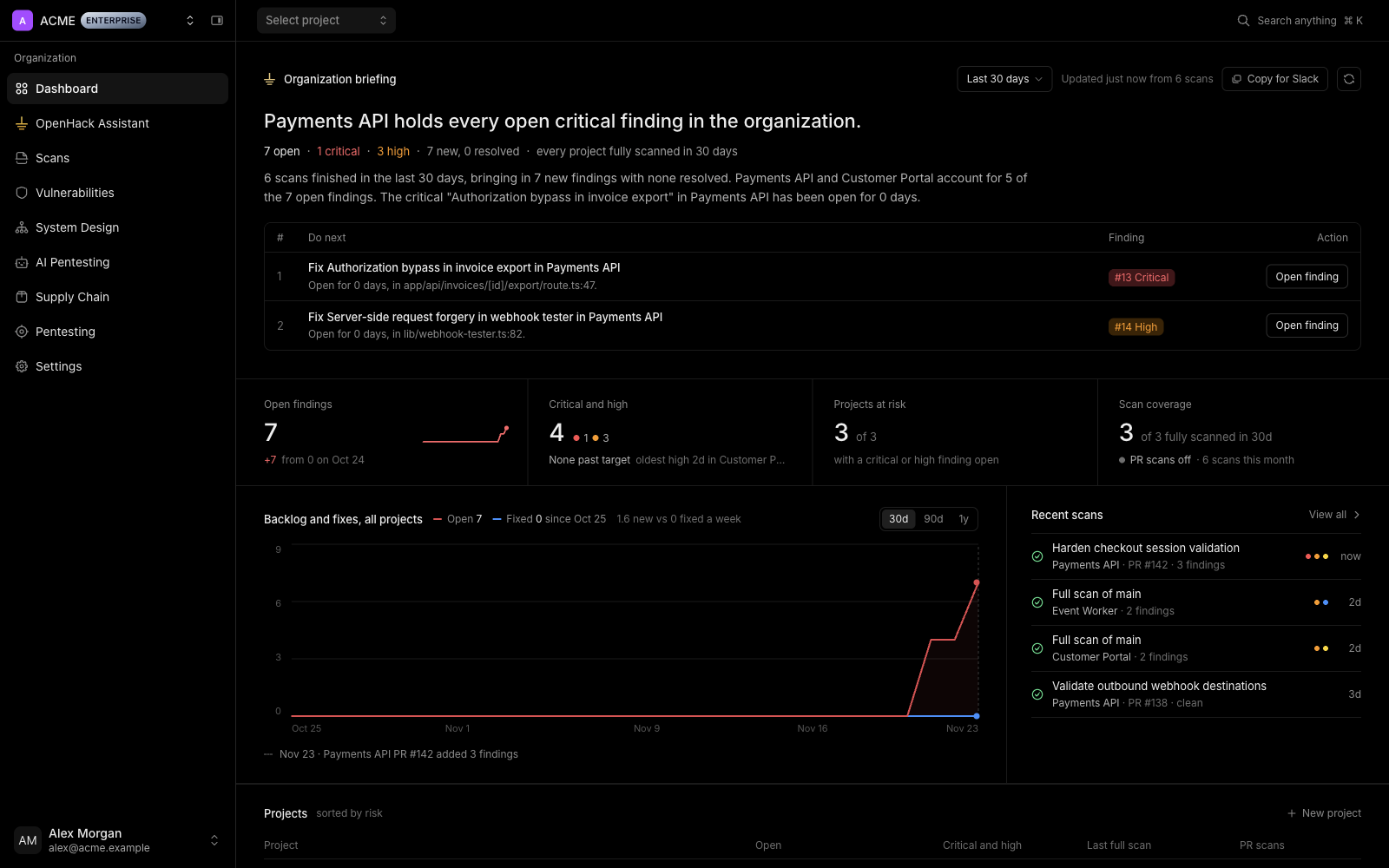
The organization briefing prioritizes work across ACME’s three projects. Actual product screen with fictional demo data.
Your workspace
An organization is your team's workspace. A project groups the repository connection, scans, and security findings for an application. Select the organization and project you want to work in before changing settings or starting a scan.
A scan is one analysis run. A finding describes a potential security issue found during that analysis. The project's Vulnerabilities view helps you review and follow up on issues; scan history lets you inspect individual runs.
Start here
Navigate your workspace
Learn what the main sections mean and when to use organization-wide views.
Connect GitHub
Connect an account, link a project repository, or disconnect access.
Run and review scans
Follow a run from repository setup to reviewing its results.
Understand findings
Read severity, evidence, and remediation state before deciding what to fix.
Set up recurring work and team workflows
| Task | Guide |
|---|---|
| Explain your application and security boundaries | Project context |
| Scan the default branch on a schedule | Scheduled scans |
| Review and fix findings in a GitHub pull request | GitHub pull request reviews |
| Send findings to Linear | Connect Linear |
| Ask questions and receive alerts in Slack | Connect Slack |
| Download a vulnerability report or SBOM | Reports and exports |
| Import a PDF or manage a pentest engagement | Pentesting |
Follow a scan through to findings
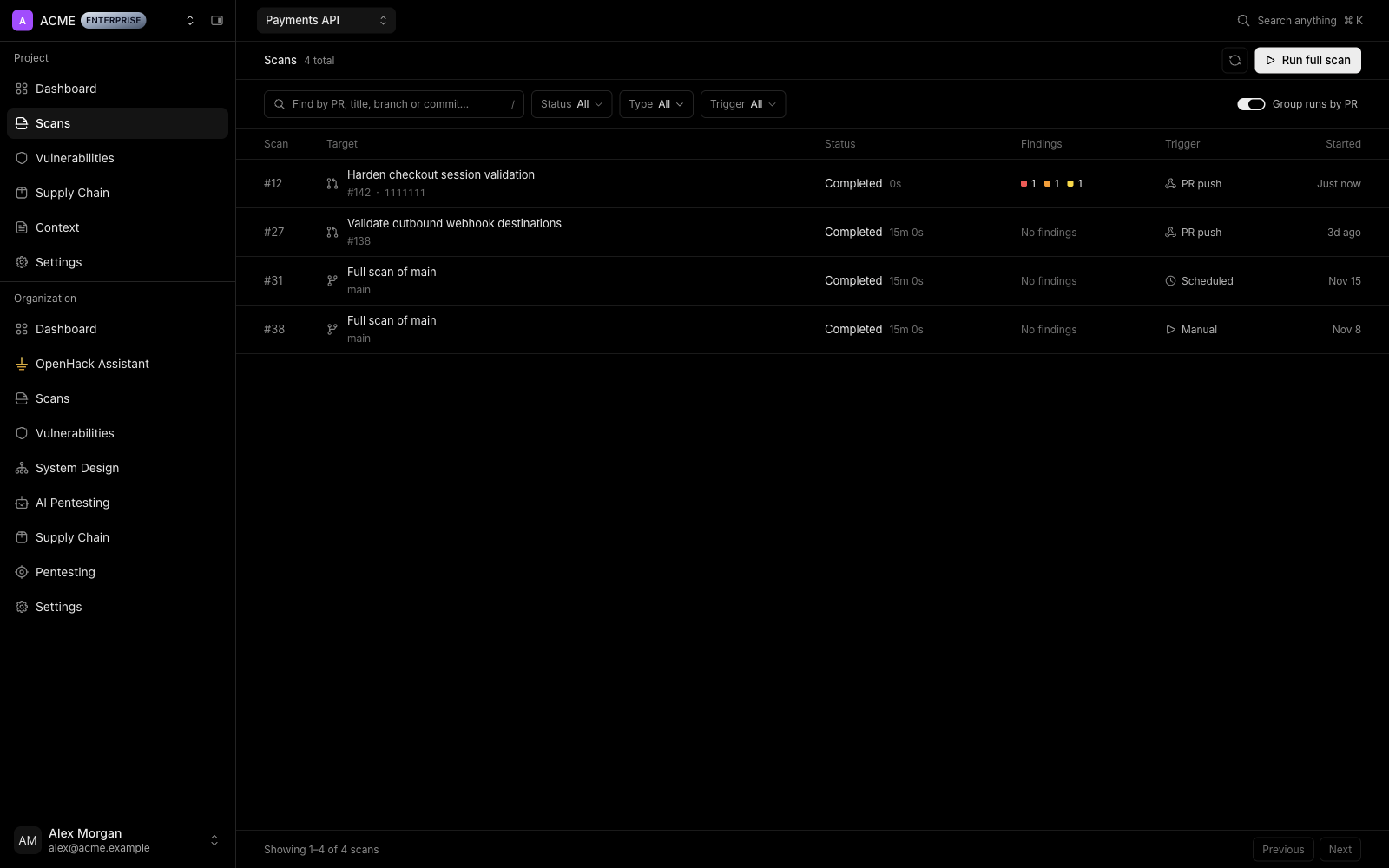
Open a completed run to inspect its scope and results. Actual product screen with fictional ACME demo data.
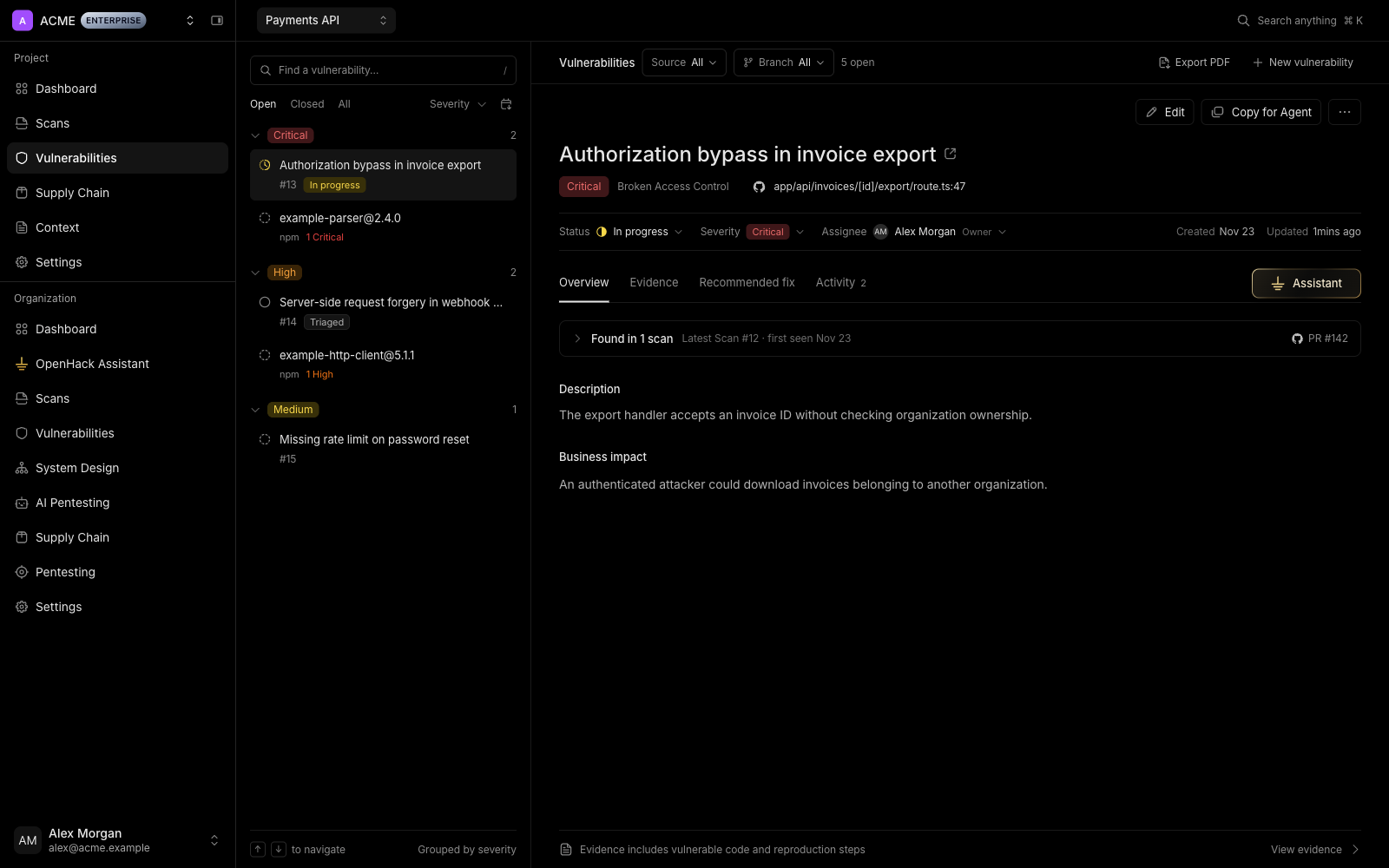
Review the evidence, assign an owner, and track remediation. Actual product screen with fictional ACME demo data.
More platform features
| Task | Guide |
|---|---|
| Create a project and manage its settings | Projects |
| Scan dependencies and open upgrade pull requests | Supply Chain |
| Investigate results in a conversation | OpenHack Assistant |
| Manage members, billing, and notifications | Organization and account settings |
Enterprise owners can review and export audit logs.
For organizations with the feature enabled, map your system design to document components and connections.
Screenshots use fictional demo data. Select any screenshot to zoom in. Each workflow is also described in text and available through View Markdown at the top of the page.