Ask the OpenHack Assistant
Use organization chat and finding-specific conversations to investigate security results.
Select your organization in OpenHack and open OpenHack Assistant, when included in your plan. Use it to ask about scans, vulnerabilities, and dependencies in that organization.
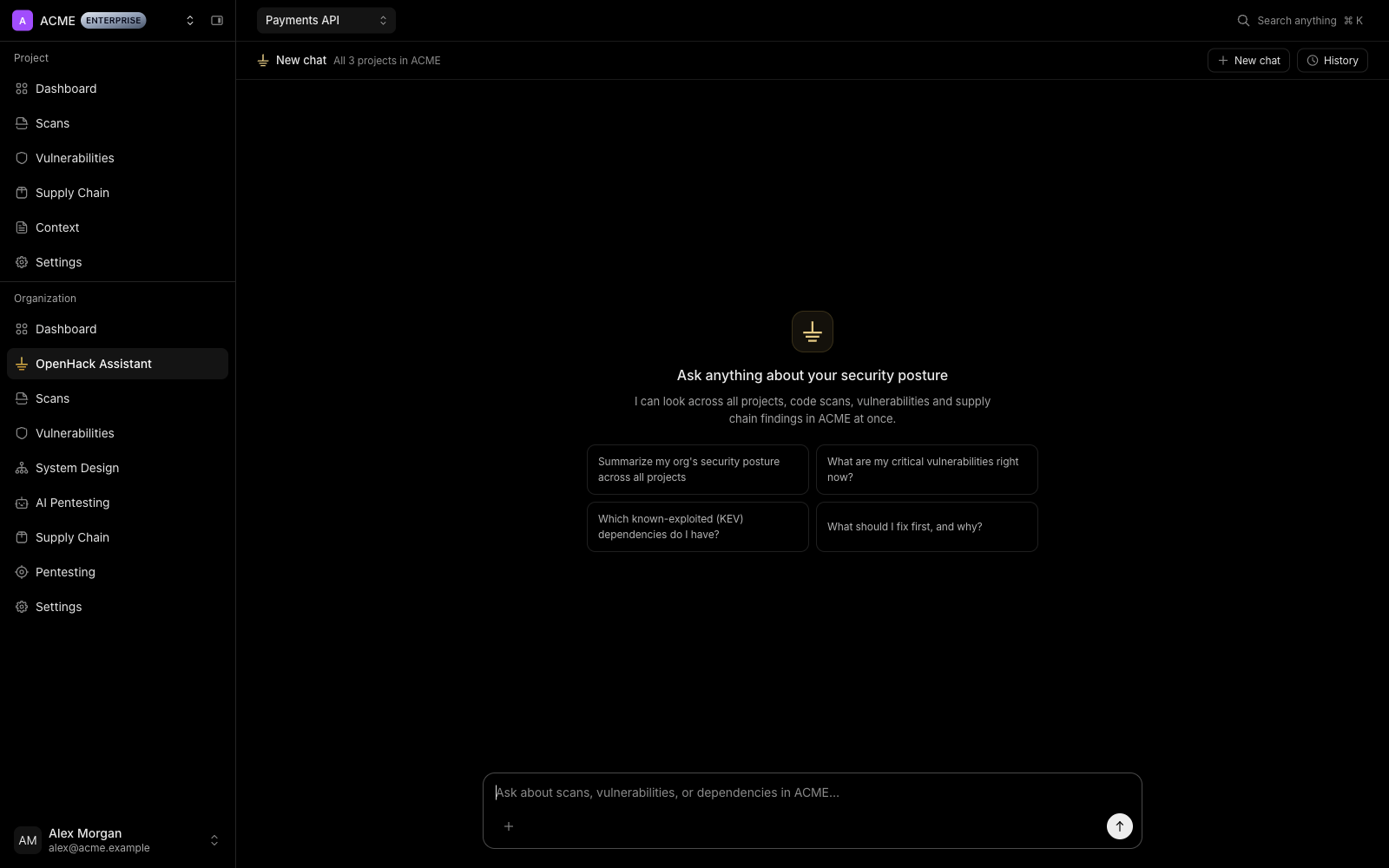
Start a new conversation or reopen an earlier one from History. Actual product screen with fictional ACME demo data.
Ask a focused question
- Confirm the selected organization.
- Open OpenHack Assistant and start a conversation.
- Name the project, scan, or finding you want to discuss and ask a specific question.
- Read the response and follow its references back to the underlying results.
- Ask a follow-up to narrow the investigation. Use History to return to an earlier conversation.
For example: “Which high-severity findings in Payments API still need investigation?” Include the scope explicitly when your organization has multiple projects.
Discuss one finding
Open the finding from Vulnerabilities and choose Assistant in the inbox or Ask the Assistant on the full finding page. Read the finding's evidence, impact, and recommended fix alongside the answer.
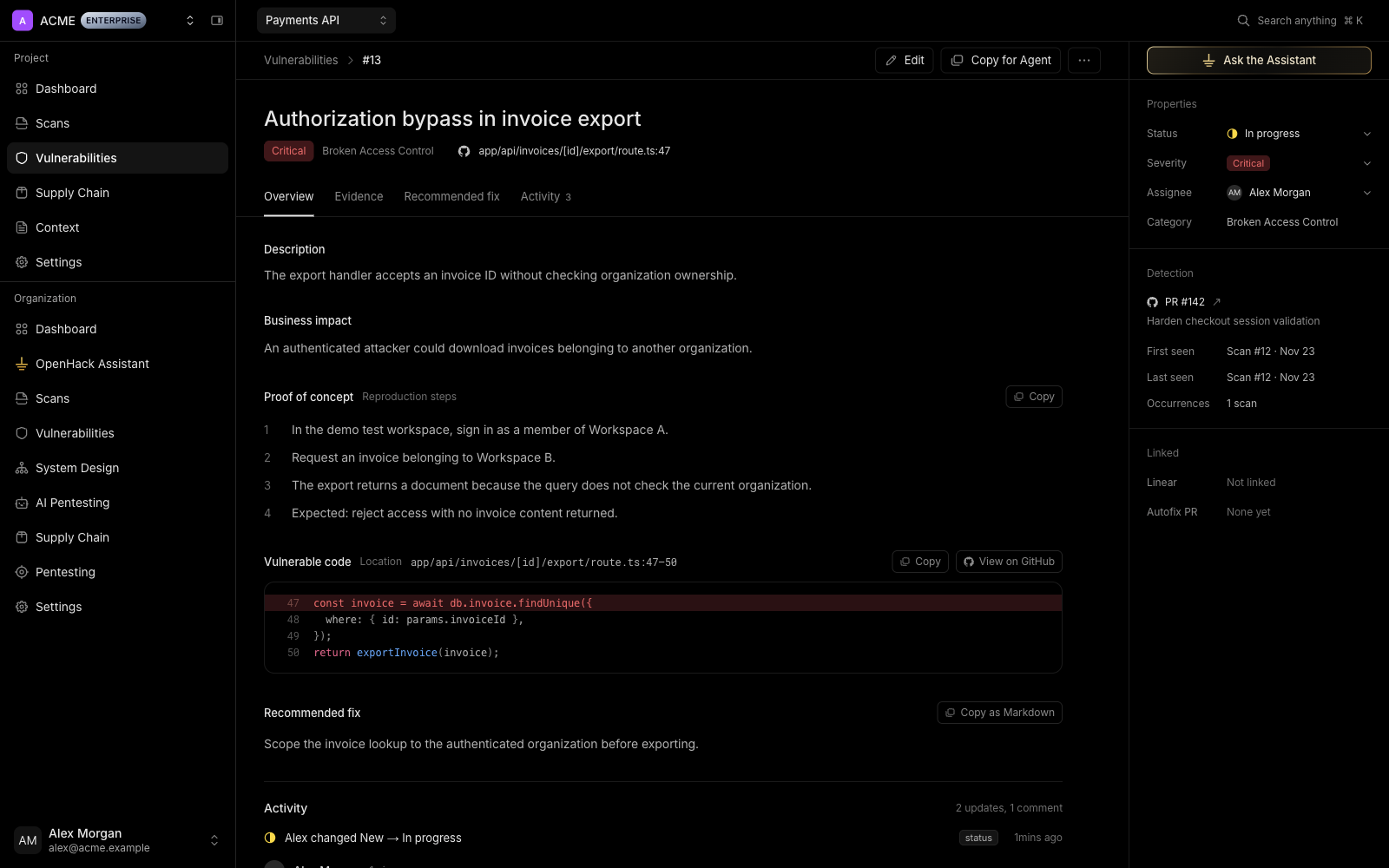
Start with the specific finding when you need an explanation of its impact or remediation. Actual product screen with fictional ACME demo data.
An assistant response is guidance to review. Confirm claims against code and scan evidence, and check any proposed changes before applying them. For fix actions tied to a pull request, see GitHub reviews and Autofix.
Continue from Slack
An enabled Slack integration lets your team ask questions in linked conversations. Its setup and workspace permissions are separate from opening organization chat in the web application.