Connect and disconnect GitHub
Link a project repository, review connection health, and manage GitHub access.
Open your project in OpenHack and select Settings → GitHub. An organization owner manages the connection. GitHub authorization makes repositories available; choosing a repository determines which one this project scans.
Connect a repository
- Choose Connect GitHub if you have not connected an account.
- Complete GitHub authorization and, when prompted, install the OpenHack GitHub App for the account and repositories you want to use.
- Return to the project. If GitHub is already connected, choose Choose repository.
- Select the account, search the available repositories, and choose the repository for this project.
- Confirm the repository and default branch shown in Settings → GitHub.
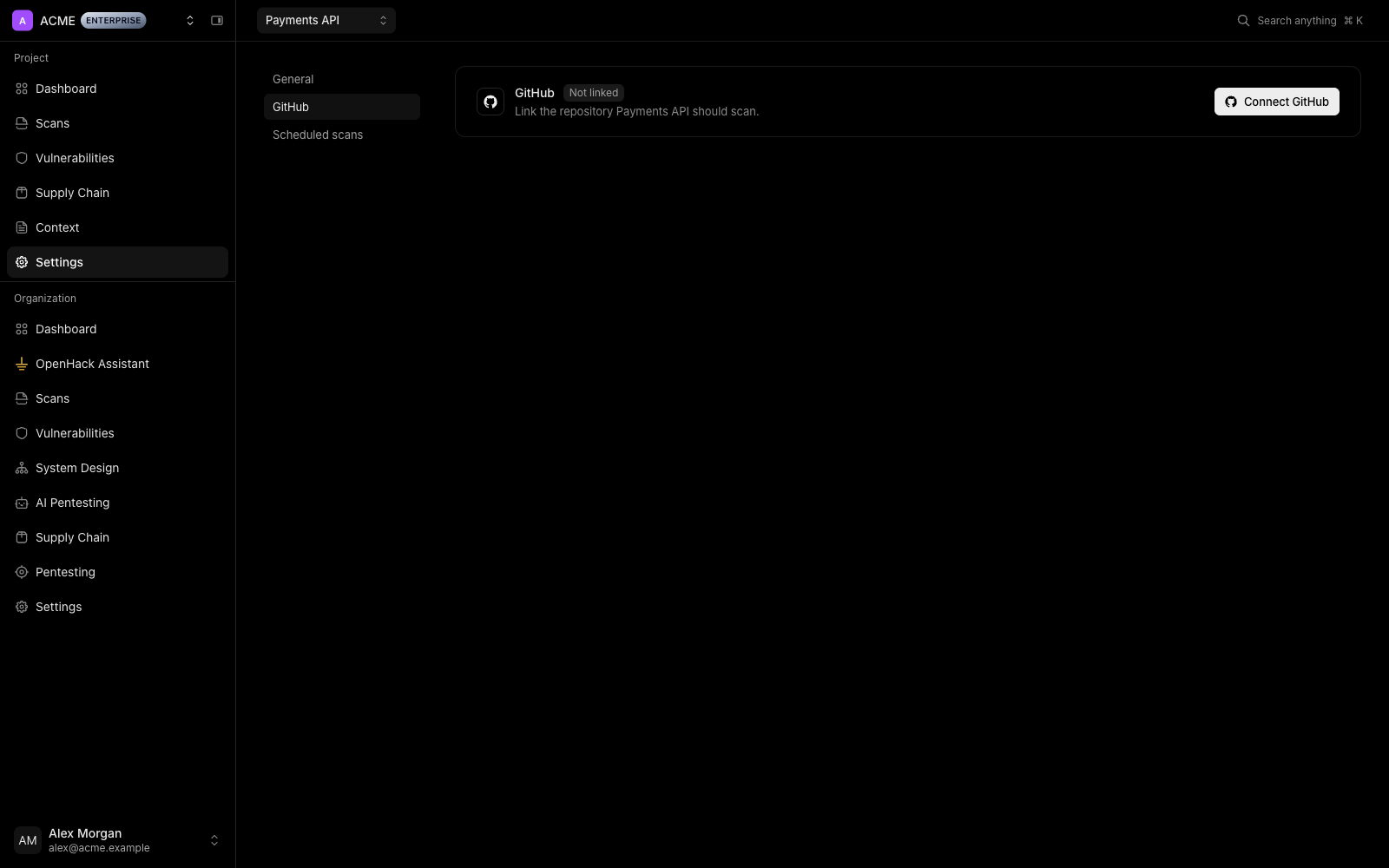
Start the connection from the project that should scan the repository. Actual product screen with fictional ACME demo data; no live GitHub account is connected.
If a repository is missing, use the account’s Manage link to update GitHub App access, then return and reload the repository list. The GitHub account must have permission to share that repository.
Add project context, then run a scan. A connection alone is not a completed security review.
Check connection health
The GitHub card shows the repository, default branch, and access state. Read any repair message before retrying a scan. The connection menu provides Manage GitHub access, a connection recheck, and Change repository when available. If an installation was removed or access changed, follow the displayed action to restore access or choose the repository again.
Configure pull request reviews
For a repository connected through the GitHub App, the Pull requests card contains:
- Scan pull requests automatically: scan when a PR opens or receives new commits.
- Minimum severity to report: choose low and above, medium and above, high and above, or critical only.
Changes save as you make them. Pausing automatic scans does not disable requests made by tagging the OpenHack app on a PR. Reviews are informational and do not configure branch protection. See GitHub reviews and Autofix for the review and fix workflows.
Change or unlink the repository
Open the GitHub card’s connection menu and choose Change repository to select another repository. Confirm the intended project and repository before completing the change.
To remove the link, choose Unlink repository and read the confirmation. Unlinking the project is separate from removing the GitHub App installation. Manage installation access in GitHub if you also intend to stop sharing repositories with OpenHack.