Reports and exports
Choose between a vulnerability PDF, a dependency inventory, and a pentest report.
Open OpenHack and select the organization and project you want to work in.
Choose the export that matches the evidence you need. Export availability depends on your organization's plan and your access to the project or engagement.
| Output | Where to start | Format |
|---|---|---|
| Project vulnerability report | Export a vulnerability report | |
| Dependency inventory | Export an SBOM | CycloneDX JSON |
| Dependency-scan report | Supply Chain → a completed scan → Download PDF | |
| Pentest engagement report | Pentesting → open an engagement → Export Report | PDF opened in the browser |
An SBOM inventories dependencies; it is not the same as a vulnerability report. Check the project, scan or engagement, and evidence dates before sharing an export. Reports organize evidence and do not by themselves certify compliance.
Before sharing files, follow Prepare evidence for a review to check scope, dates, and content.
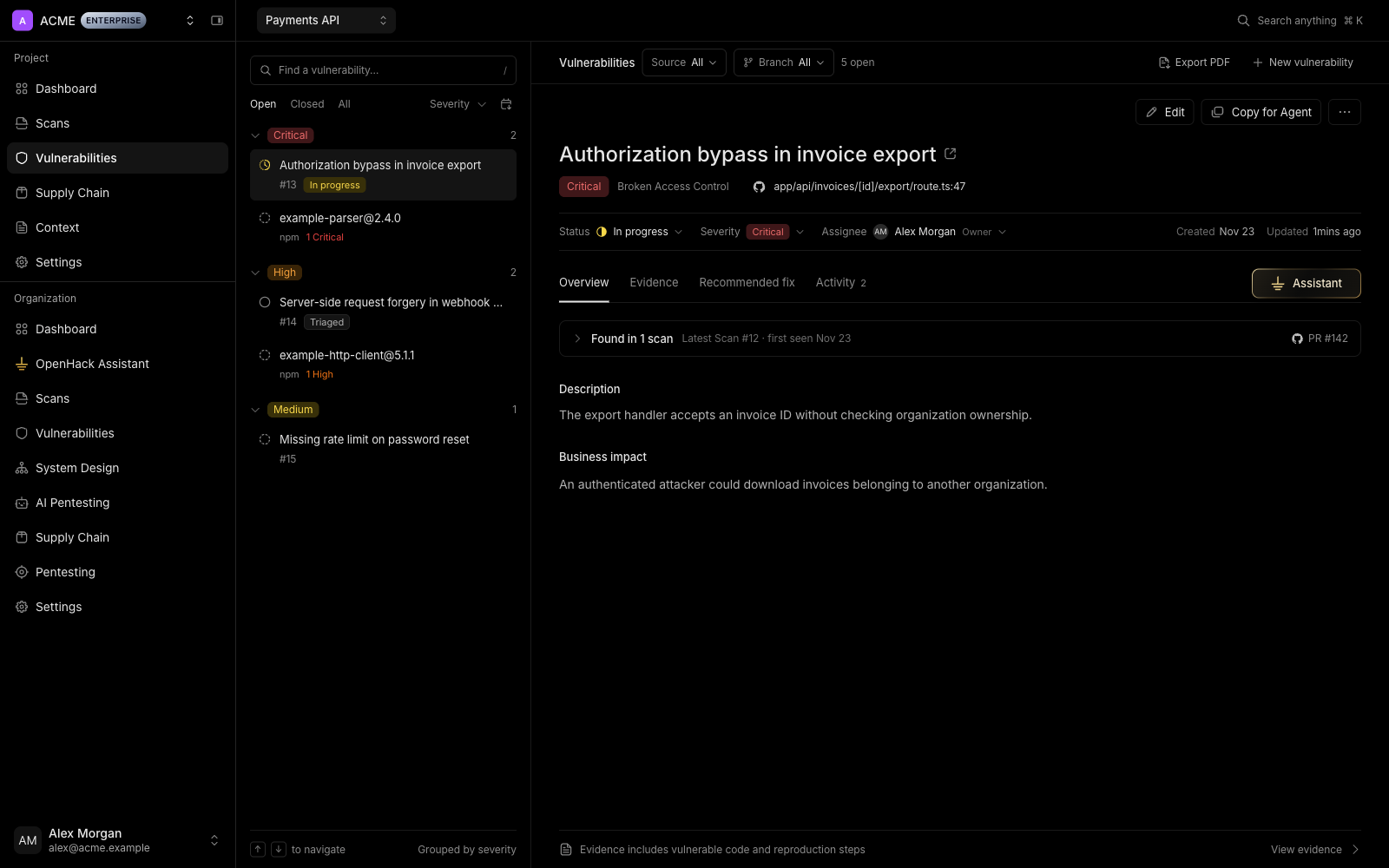
Use the export action that matches the evidence you need. Actual product screen with fictional ACME demo data.