

 Slack
Slack
Tag @OpenHack. Get answers, right where your team works.
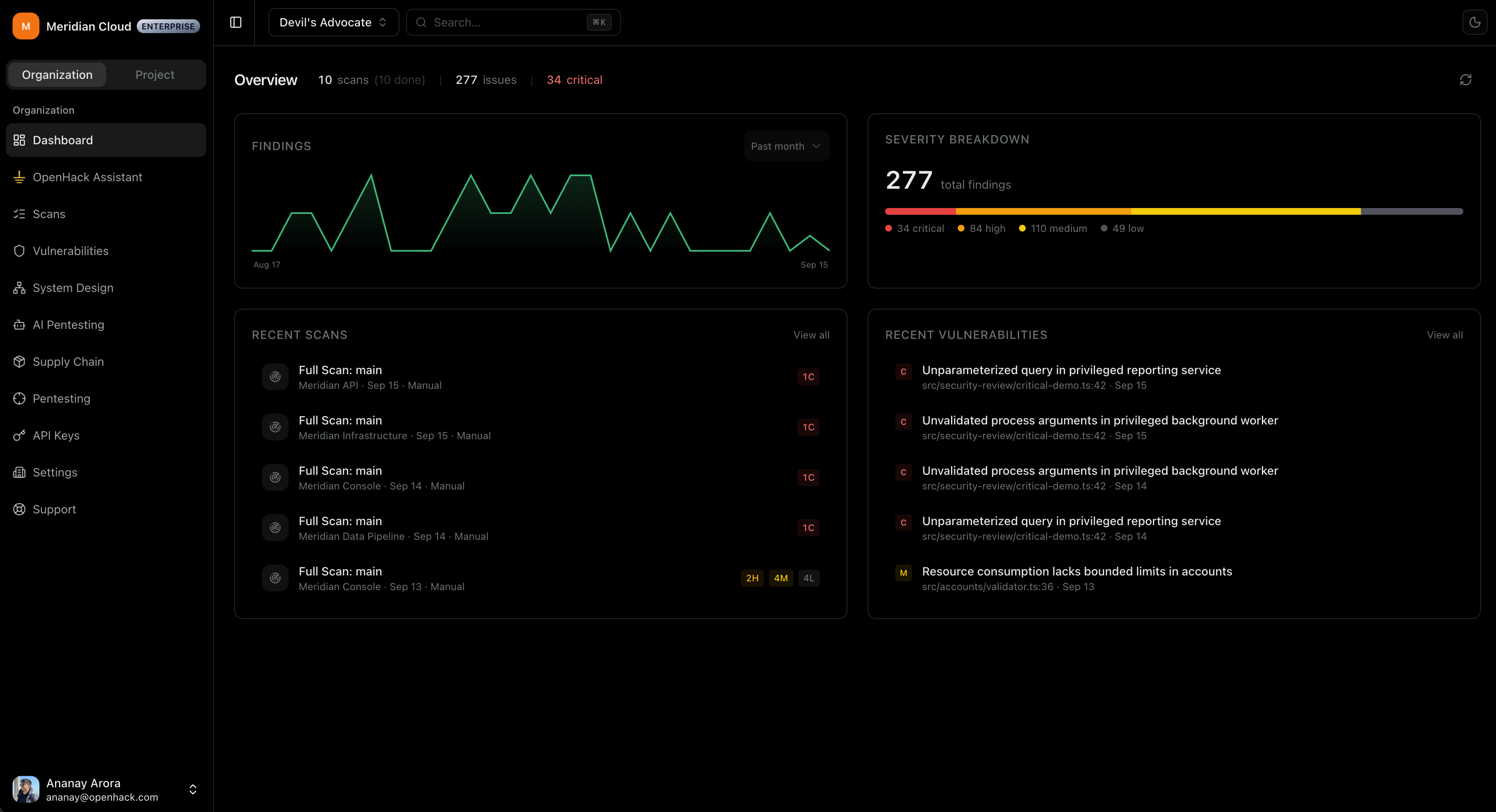
OpenHack finds and fixes vulnerabilities in your code, runs AI pentests, and prioritizes findings using real exploitability and business context like a real security engineer.
 Docura Health


 Pipeline
export default function handler(req, res) { // Get the session const session = getServerSession(req, res, authOptions); const session = await getServerSession(req, res, authOptions); if (!session) { return res.status(401).json({ message: "Unauthorized" }); } return tusServer.handle(req, res);} SlackTag @OpenHack. Get answers, right where your team works.
Assign it to OpenHack. Get a fix back as a pull request.
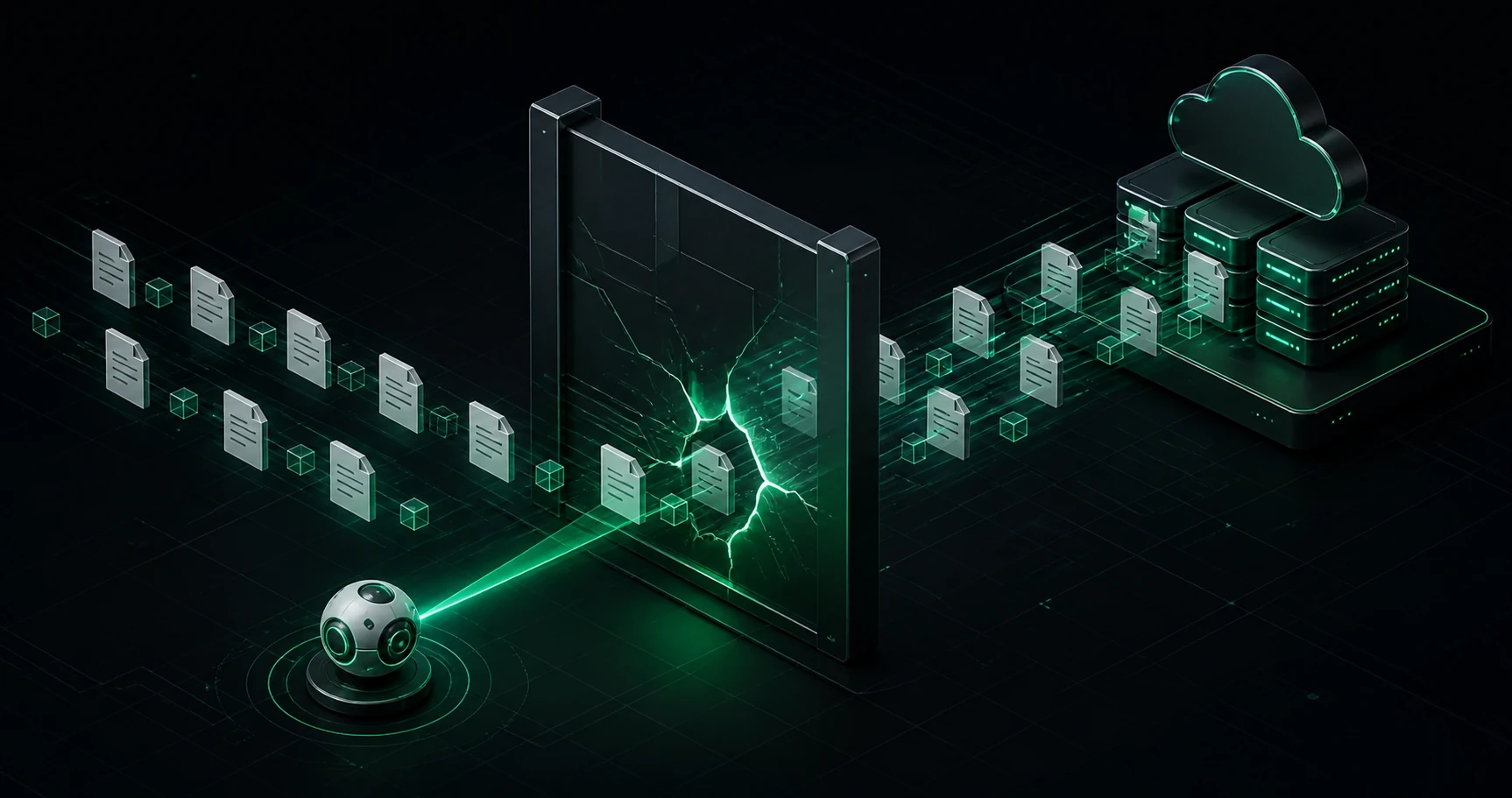
Ship fast without making security a second job. Find and fix vulnerabilities, run pentests, and get ready for enterprise security reviews.
Bring code scanning, pentesting, and vulnerability management into one workflow. Prioritize real business risk and give every team a clear path to remediation.
OpenHack is your AI security engineer. It finds, verifies, prioritizes, and fixes vulnerabilities across your codebases and live applications.
OpenHack scans code, runs autonomous pentests, validates findings with working exploits, prioritizes them using real business impact, and prepares fix pull requests. It works across application code, authentication flows, APIs, dependencies, secrets, and business logic.
OpenHack validates findings by building a working proof of concept and reproducing the issue in a sandbox or browser before it reports the vulnerability.
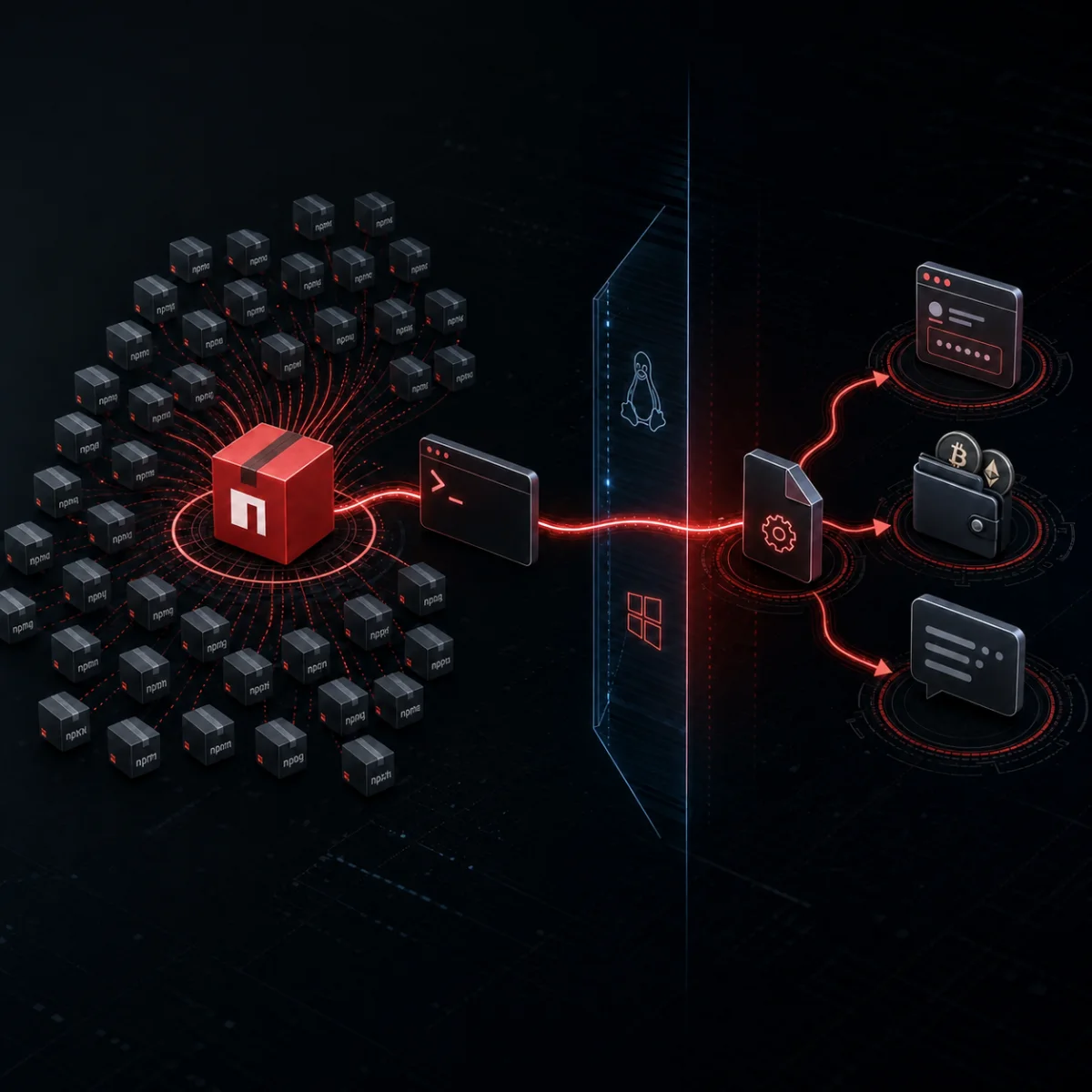
Beyond basic vulnerabilities, OpenHack finds business logic flaws, race conditions, timing attacks, IDORs, authentication bypasses, exposed secrets, and vulnerable dependencies. More importantly, it reasons across findings and intelligently chains vulnerabilities to demonstrate attack paths that isolated checks miss, like a real security engineer.
You can use any AI model you want in the CLI and connect any provider. The platform uses OpenHack's managed zero data retention inference.
The open-source CLI runs locally and gives you direct control over scans and models. The managed platform adds continuous scanning across repositories, team controls, business-aware prioritization, and fix pull requests.
Your code, scan data, and findings are stored locally. Only requests needed for inference leave your environment, and all inference is processed within your local geographic region or data domicile.